The left navigation
The left-hand menu is the same on every screen. It's split into three groups: Main modules (day-to-day coaching), Resource modules (reusable content) and Account modules (settings, billing, help). You can click your business name at the top to jump back to the Dashboard from anywhere.
Main modules
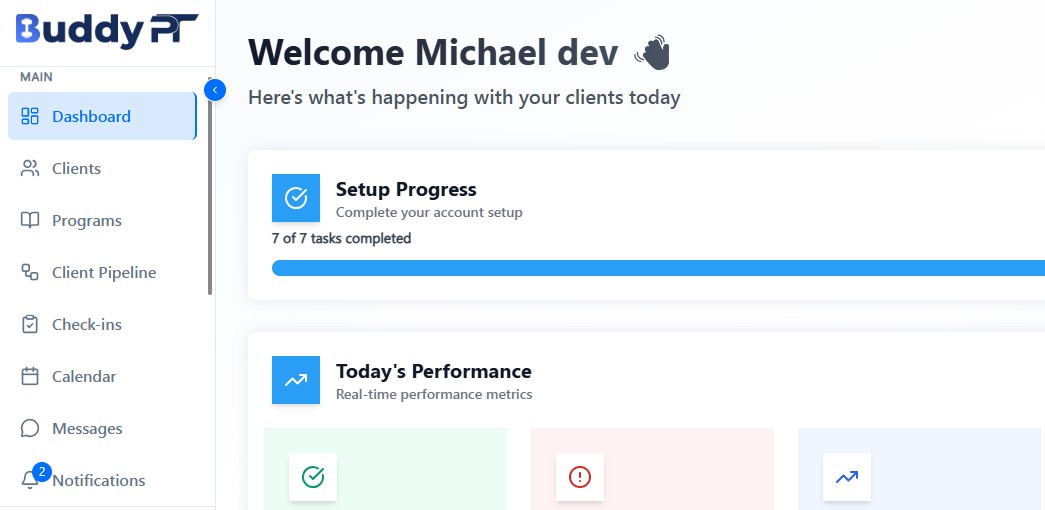
Dashboard
Business overview, onboarding progress, today's performance, compliance alerts and recent client activity. See the full walkthrough in Dashboard Overview.
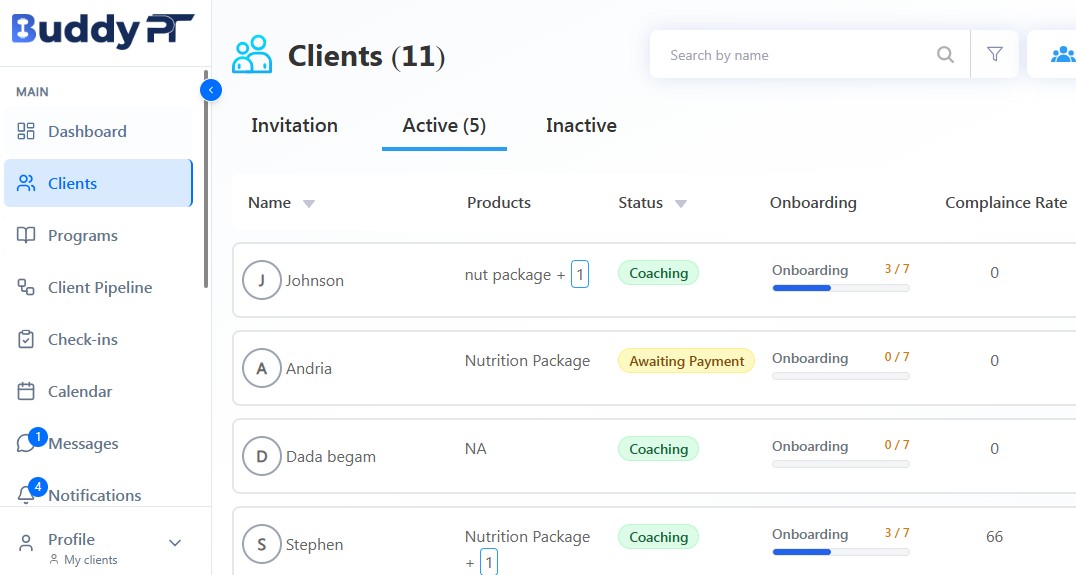
Clients
Every active client in one list. Open a profile to assign programs, review check-ins, message them or update their subscription. Learn more in Manual Client Lifecycle.
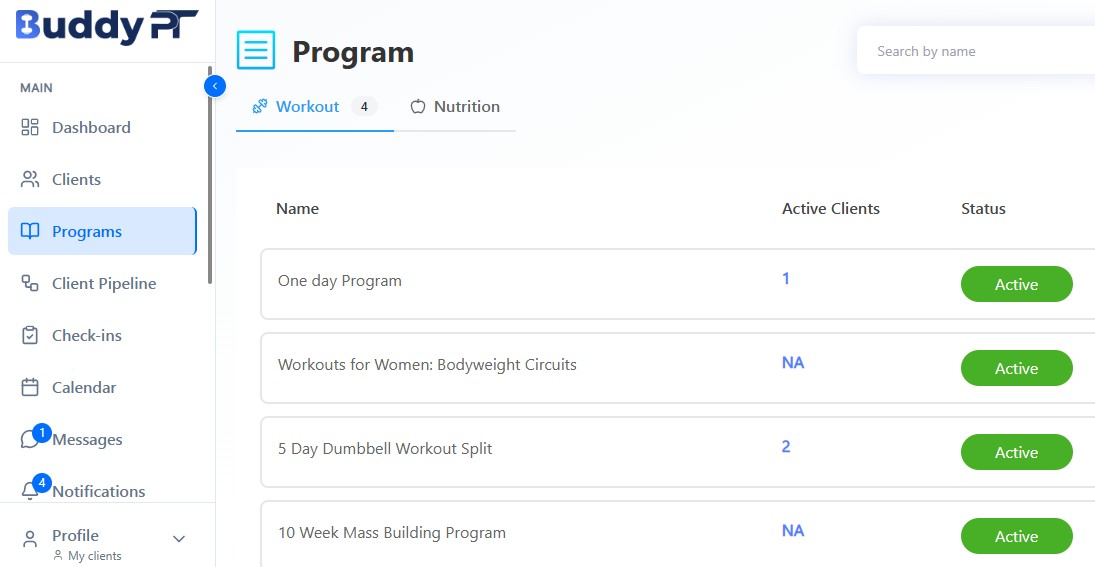
Programs
Create and assign workout programs, nutrition plans, habits, forms and metric sets. Build a program once and assign it to as many clients as you like.
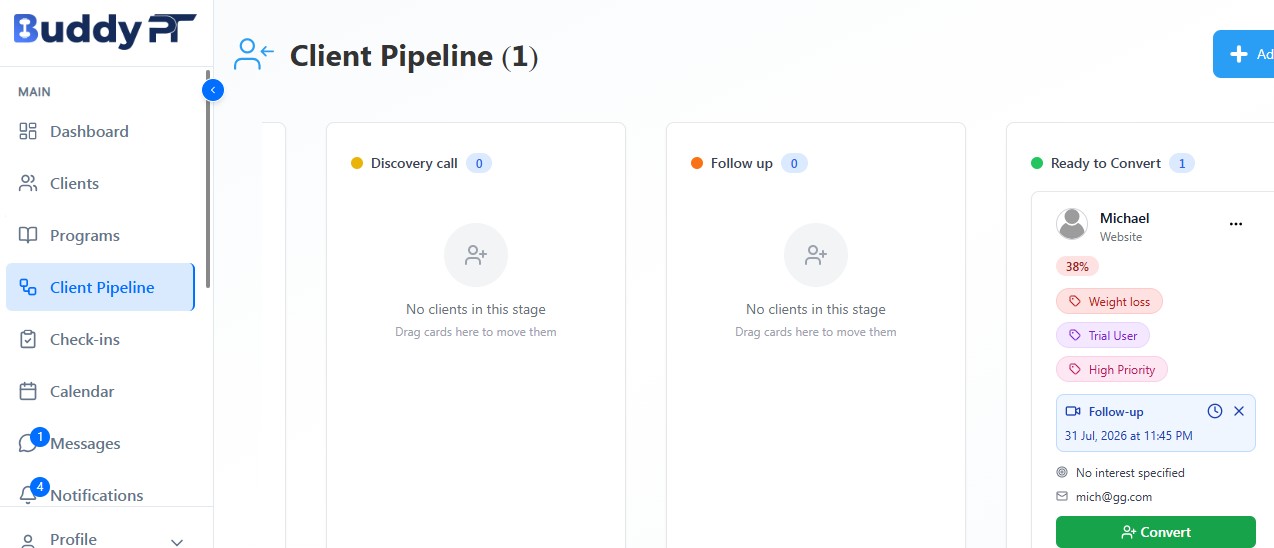
Client Pipeline
A Kanban-style board for turning leads into clients: New Lead → Discovery Call → Follow-up → Ready to Convert → Client. Drag cards between stages as prospects move through your sales process. Deep dive in Managing Leads.
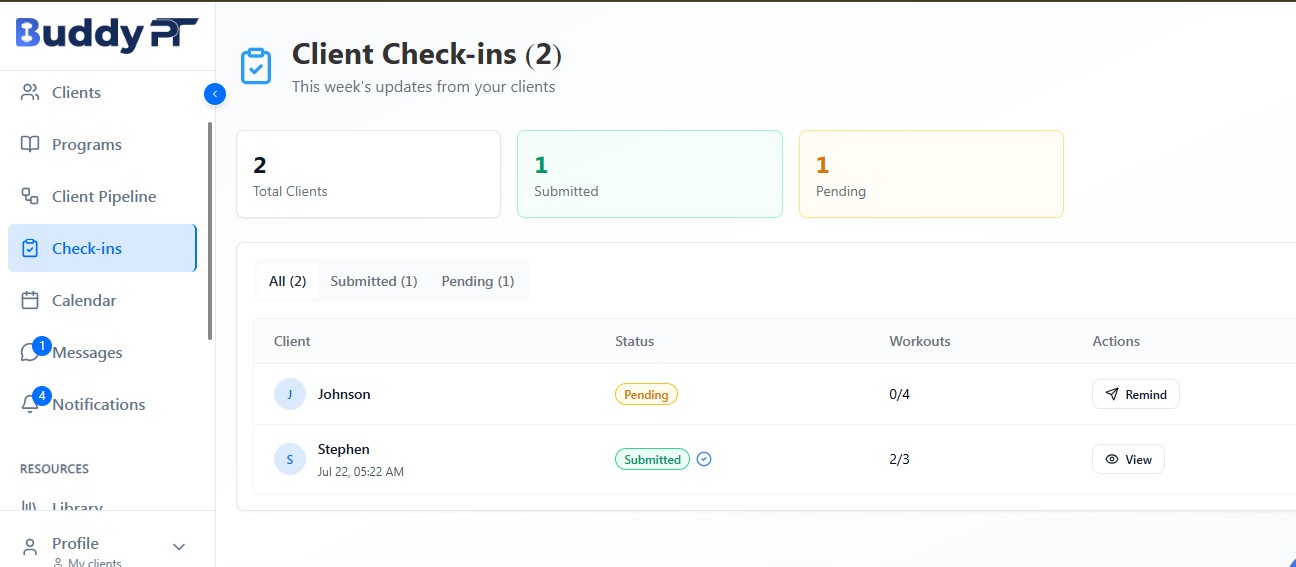
Check-ins
Schedule recurring weekly or bi-weekly check-ins, review client submissions and reply with feedback. This is where most of the coaching conversation lives.
Calendar
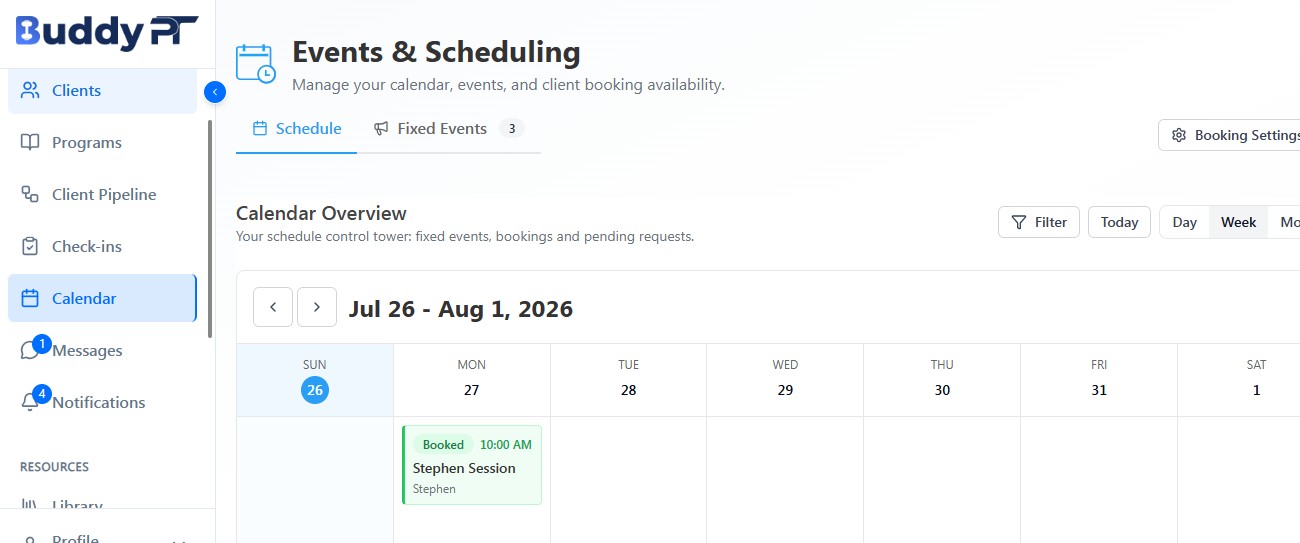
Sessions, appointments, events and booking availability in one calendar. Full details in Calendar overview.
Messages
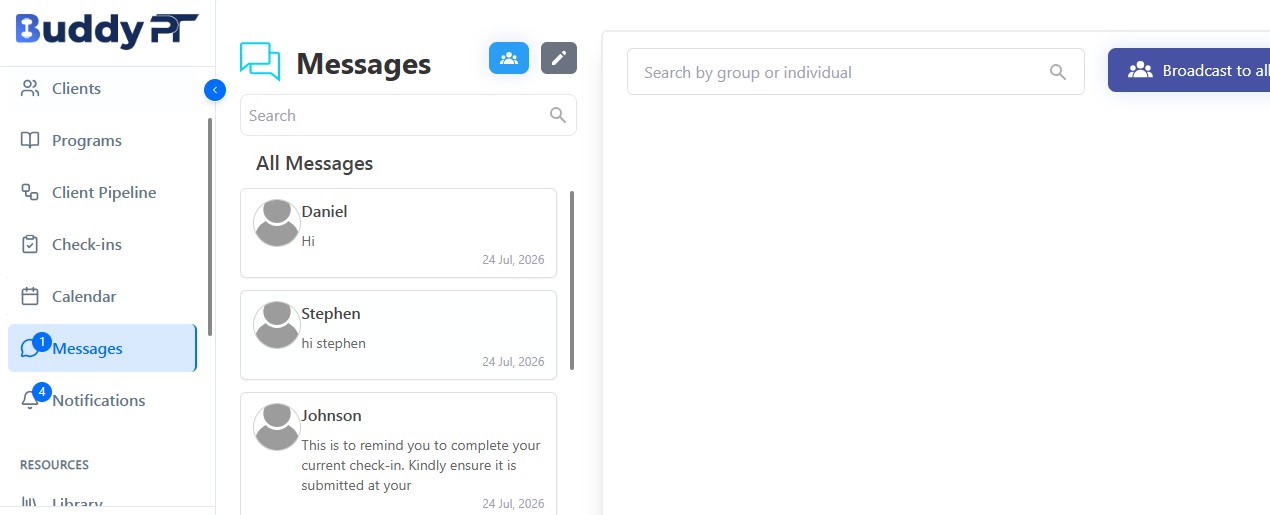
Two-way chat with individual clients or broadcasts to segments (e.g. everyone on the *Transformation* plan). See Messaging & Communication.
Notifications
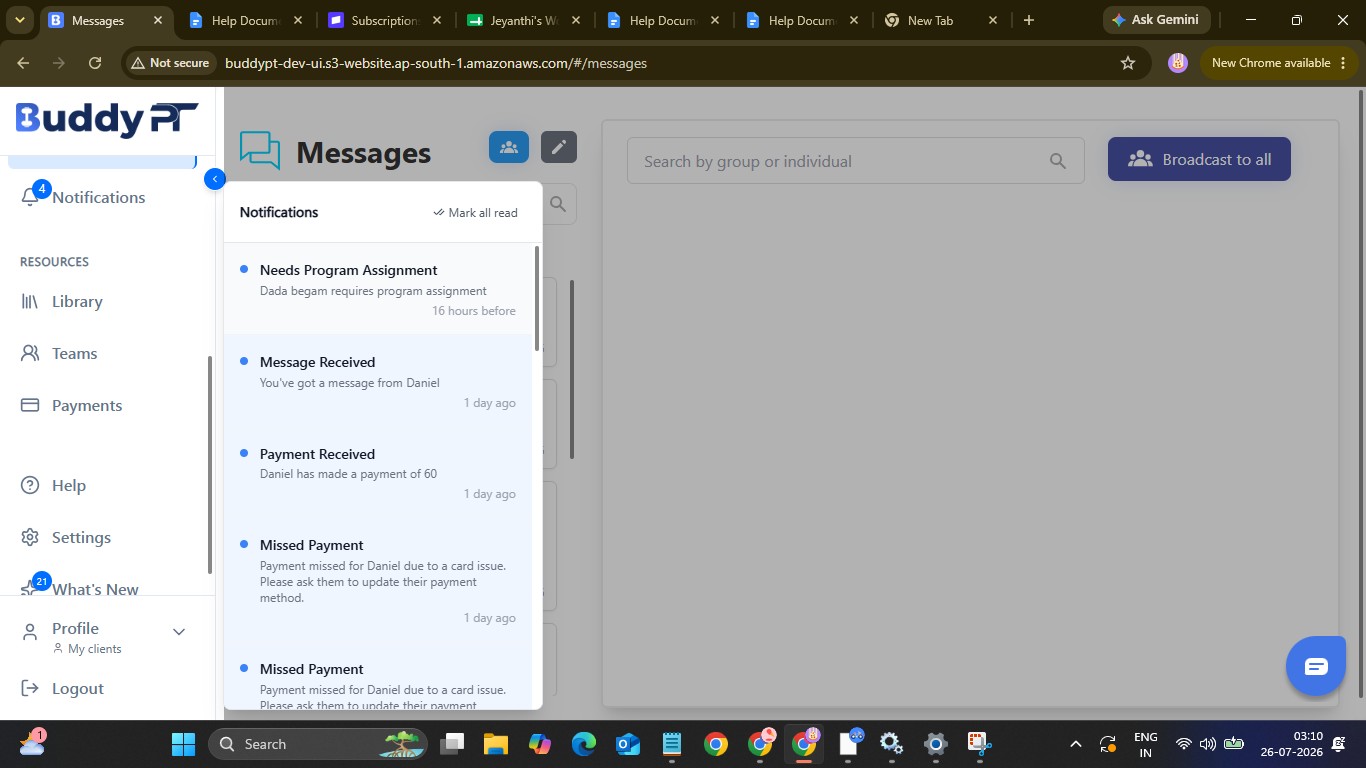
In-app alerts for new leads, completed workouts, missed sessions, payment events and system updates. Skim these first thing in the morning.
Resource modules
Library
Reusable coaching content: Exercises, Warmups, Workouts, Nutrition Plans, Forms, Habits, Metric Sets. Build here once, use across every client program.
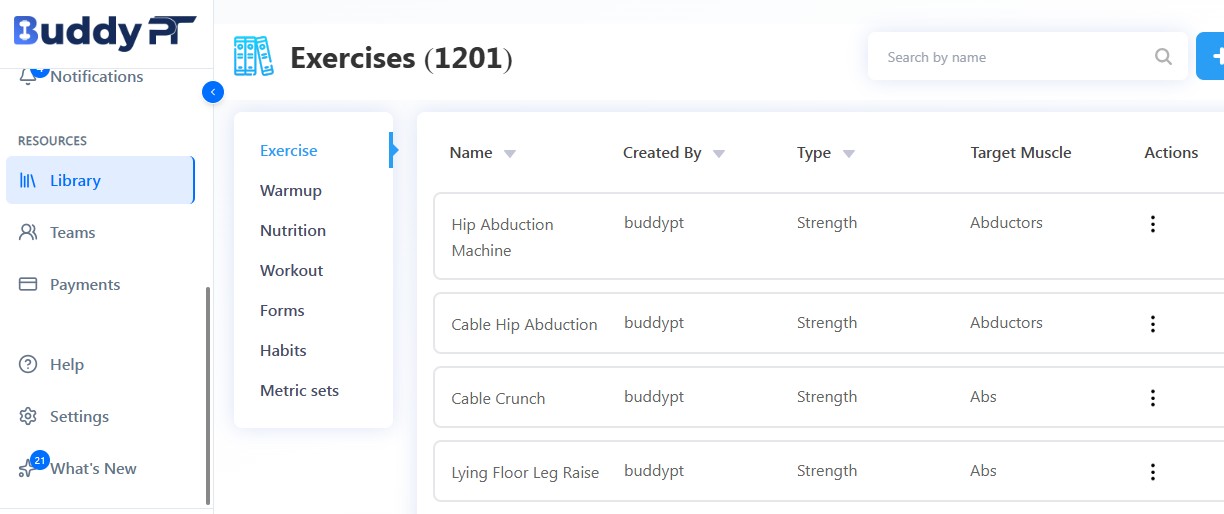
Teams
Invite co-coaches and assistants, assign roles (Owner, Admin coach, Non-admin coach) and split client rosters. Ideal for studios with more than one trainer.
Payments
Payment gateway configuration, subscription plans, one-off products and a full history of client transactions.
Account modules
Help
You're here — documentation, guides and support.
Settings
Branding, App Settings, Zapier integration, Custom fields and general preferences.
What's New
Latest BuddyPT feature releases and product updates.
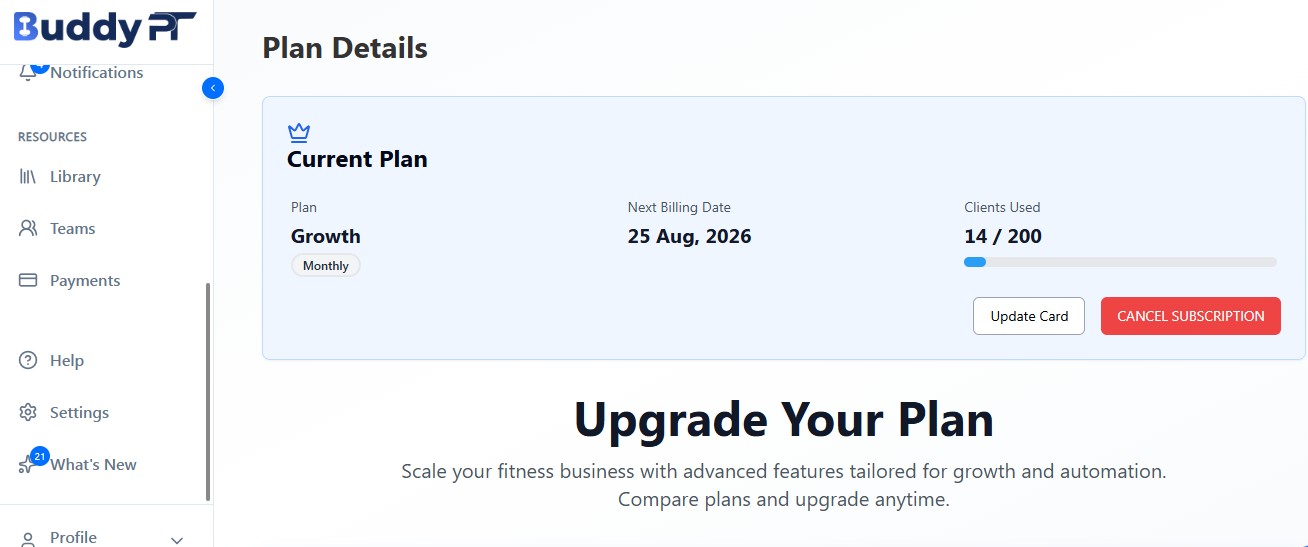
Plan Details
Your current BuddyPT trainer subscription (Professional / Growth), next billing date, client usage and upgrade options.
Trainer vs Client experience
Everything above lives inside the Trainer web app — that's what you're using now. Your clients get the BuddyPT client app on iOS and Android, which is a focused, workout-first experience: they see their program for the day, log workouts and metrics, complete check-ins, chat with you and book sessions. They never see your Dashboard, pipeline or team settings.