What you get with a BuddyPT account
BuddyPT is an all-in-one coaching platform for personal trainers. One account unlocks your Trainer Dashboard, client management, workout & nutrition builders, forms, check-ins, habit tracking, payments and reports — so you can spend more time coaching and less time on admin.
Who this is for
Whether you're coaching 10 clients or 1,000, the sign-up flow is the same. You can invite your team later from the [Teams](/help/key-modules#mod-teams) module.
Step 1 — Sign up
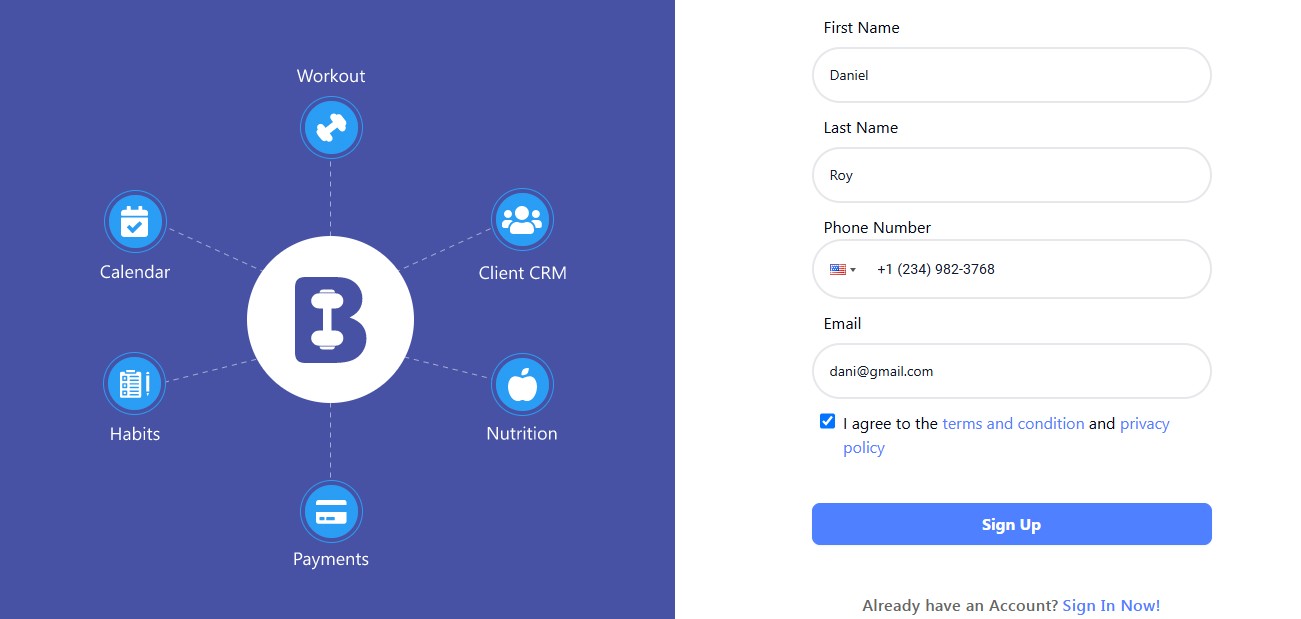
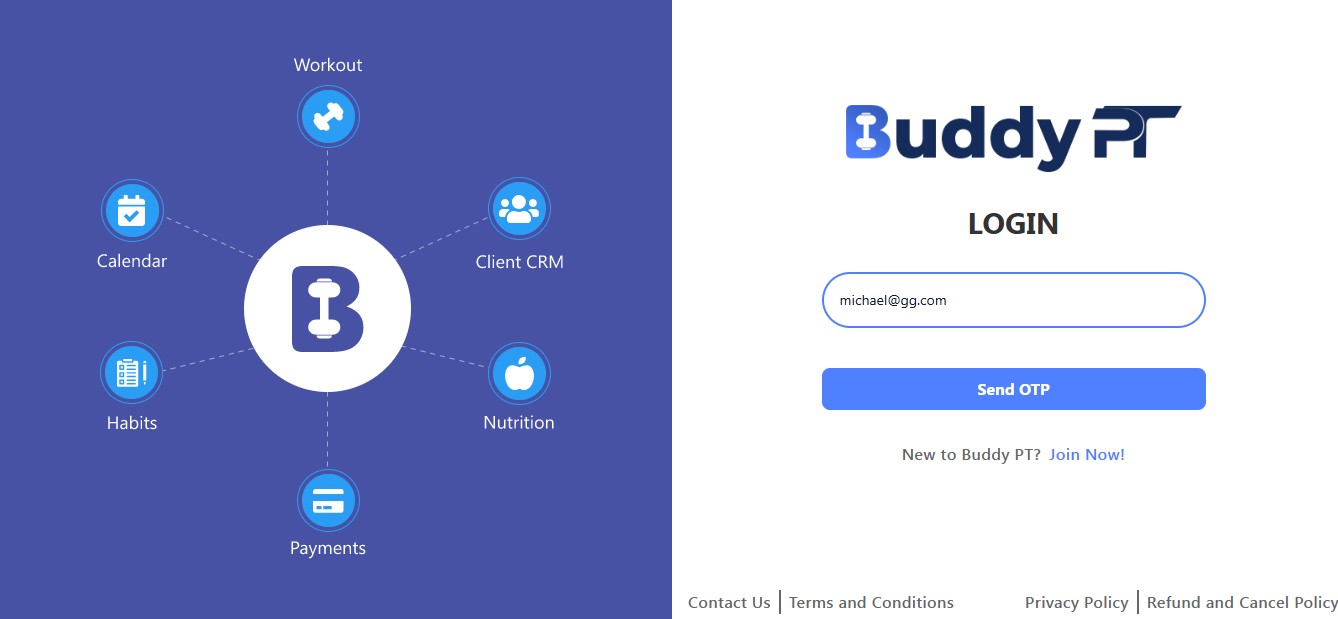
- 1Open the BuddyPT trainer web app and click Sign Up.
- 2Enter your full name, email address, mobile number and a strong password.
- 3Accept the Terms & Conditions.
- 4Click Create Account.
Step 2 — Verify your email (OTP)
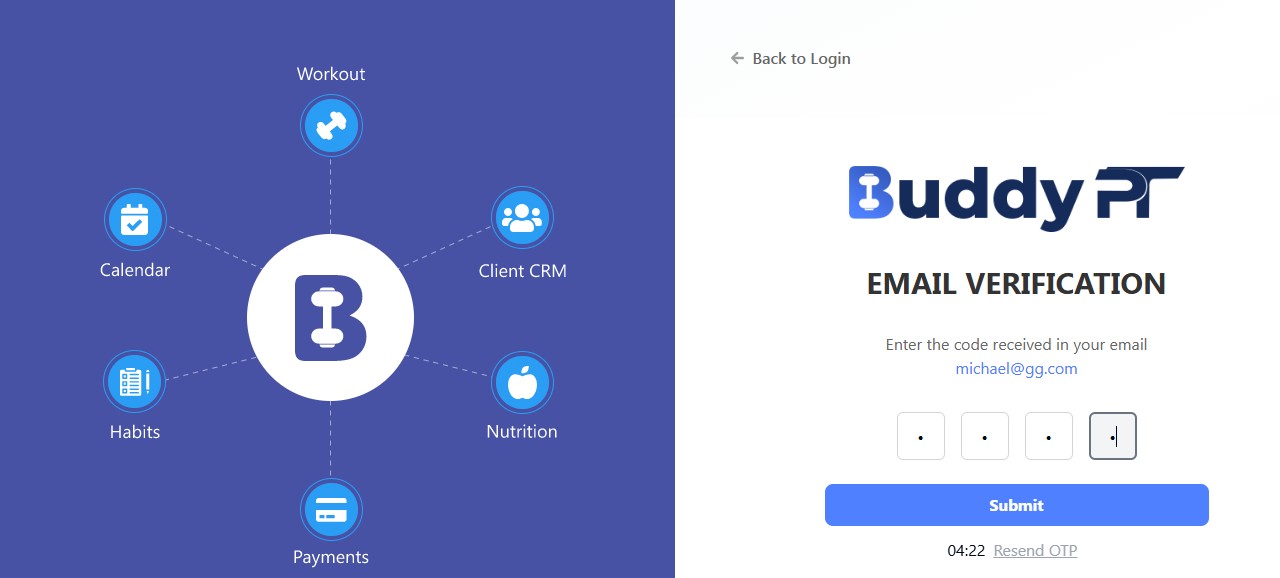
Once your account is created, we send a One-Time Password (OTP) to the email you signed up with. Enter the 6-digit code on the verification screen to activate your account.
Didn't receive the OTP?
- Check your Spam, Junk and Promotions folders.
- Confirm the email address you used at sign-up is spelled correctly.
- Click Resend OTP — wait 30–60 seconds between requests.
- If the email is wrong, sign up again with the correct address (accounts with unverified emails are cleaned up automatically).
Next up
After verification you'll land on the Business Details page. Continue with Setting up your business & profile.